
Colour is one of the most powerful tools in print design, influencing perception, emotion, and brand identity. However, achieving precise and consistent colour reproduction across different printing processes, substrates, and devices requires a strategic approach to colour management. Without the right techniques, colours can shift, appearing vastly different from what you see on screen. Let’s explore best practices and cutting-edge technologies that ensure your print projects achieve vibrant and accurate results every time.
Understanding RGB vs. CMYK: Why Colours Change from Screen to Print
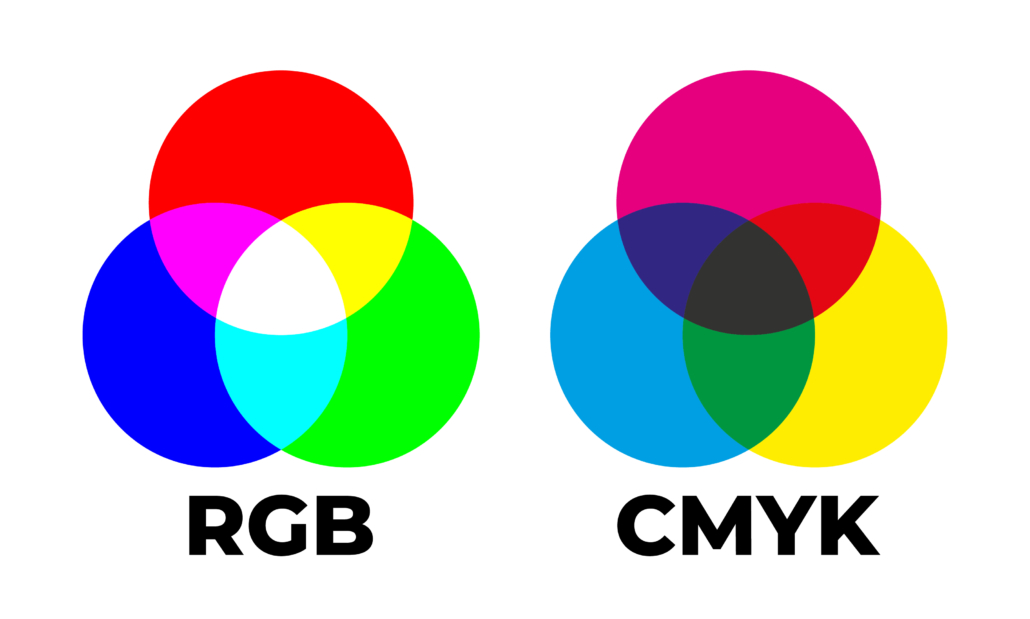
One of the biggest challenges in print production is the shift between RGB (Red, Green, Blue) and CMYK (Cyan, Magenta, Yellow, Black). Screens display colours in RGB, producing bright, vivid hues with light-based colours. However, printers use CMYK, which blends inks to create colour – resulting in a more muted output compared to digital screens.
How to Manage This Shift
Design in CMYK from the Start
Many design programs allow you to switch to CMYK mode early, ensuring your colours remain print-friendly.
Use Soft Proofing
Simulating how CMYK colours will appear on-screen can help manage expectations before printing.
Expect a Loss of Vibrancy
Fluorescent and neon tones visible in RGB often don’t translate well in CMYK.
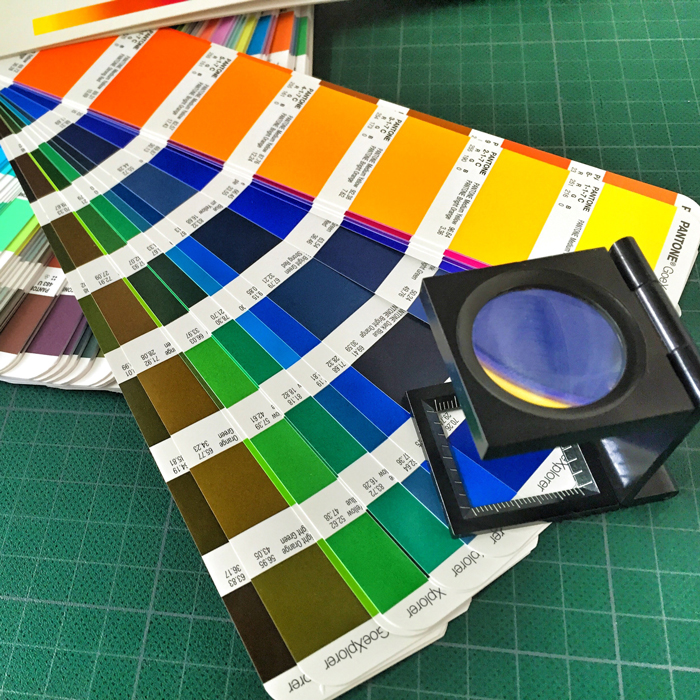
Pantone Colour Matching for Precision
For brands requiring absolute colour accuracy, Pantone Matching System (PMS) colours provide a solution. Unlike CMYK, which mixes inks on the fly, Pantone colours are pre-mixed, ensuring precise and consistent reproduction across various print jobs.
When to Use Pantone
Branding Consistency
Logos and brand assets should remain identical in all print materials.
Specialty Colours
Metallic, neon, and pastel shades are easier to achieve with Pantone rather than CMYK.
Large Print Runs
Offset printing with Pantone inks guarantees uniformity across thousands of prints.
Printing in Pantone isn’t always possible, so it’s important to sample your brand colours with your printer to ensure their CMYK printing matches your Pantone colours closely. This helps maintain colour accuracy when Pantone printing isn’t an option.
The Role of Screen Calibration
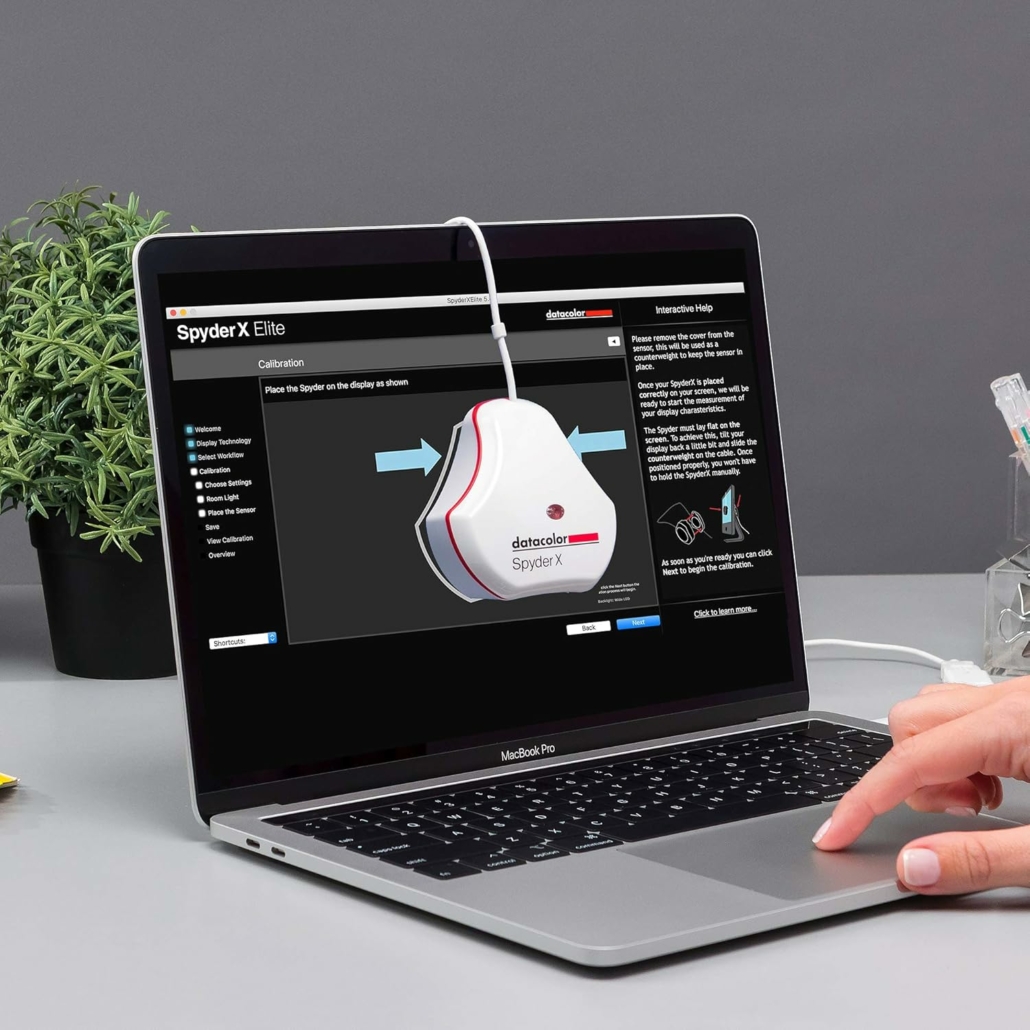
A common issue in print production is designers working on uncalibrated screens, leading to unexpected colour discrepancies. Screen calibration ensures the colours you see on your monitor closely match the final printed output.
Best Practices for Screen Calibration
Use a Hardware Calibration Device
Tools like X-Rite or Datacolor calibrators measure and adjust your screen’s colour accuracy.
Adjust Colour Temperature
Set your monitor to 5000K-6500K (Kelvin) for a neutral white point that aligns with industry standards.
Regular Calibration
Screens drift over time, so recalibrate monthly for consistency.
Test Printing & Establishing Colour Standards
Even with the best digital previews, there’s no substitute for physical test prints. Running test prints allows you to verify colour accuracy before committing to large-scale production.
How to Maintain Consistency
Create a Print Reference Guide
Keep a set of printed samples with approved colours to compare against future prints.
Use the Same Printer and Settings
Variations in ink, paper, and printer settings can affect results. Keeping a controlled workflow minimises inconsistencies.
Check Lighting Conditions
View prints under consistent lighting to avoid misjudging colours.
Implementing a Colour Management Workflow
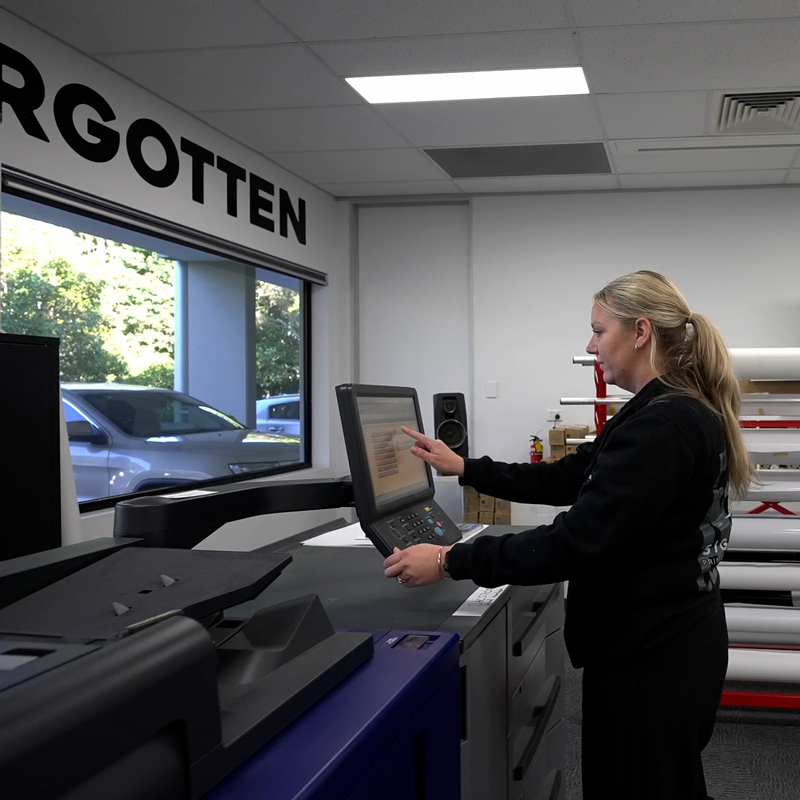
A structured workflow ensures colour accuracy throughout the entire printing process.
Key Steps
Convert Designs to CMYK
Before sending to print, ensure all artwork is CMYK-compatible.
Leverage Colour Management Software
Modern software solutions streamline colour control and accuracy:
Adobe Colour Settings
Configure Photoshop, Illustrator, and InDesign to maintain colour consistency.
Pantone Connect
Access digital Pantone libraries for precise matching.
RIP Software (Raster Image Processor)
Helps optimise how colours translate to different printers.
Achieve Perfect Colour with Signosaur
At Signosaur, we understand colour accuracy is crucial for brand consistency and high-quality print production. Whether you need vibrant marketing materials or precise Pantone-matched branding, our expertise in colour management ensures your prints look exactly as intended.
FAQs
Why do the colours in my printed materials look different from what I see on my screen?
Screen displays use RGB (Red, Green, Blue) colour mode, while printers use CMYK (Cyan, Magenta, Yellow, Black). This difference in colour models, along with screen brightness and calibration, can cause variations in the final print.
How can I ensure colour consistency across different print materials?
Using colour profiles, Pantone matching, and calibrated monitors helps maintain accuracy. Working with a professional printing service like Signosaur ensures your colours remain true across business cards, brochures, posters, and more.
What is the difference between RGB, CMYK, and Pantone colours?
RGB is used for digital screens, CMYK is the standard for full-colour printing, and Pantone (PMS) provides pre-mixed, spot colours for precise colour matching. Each has its ideal application depending on the project.
How can I avoid dull or washed-out colours in my prints?
Ensure your artwork is designed in CMYK mode, use high-resolution images, and avoid colours that don’t convert well from RGB to CMYK. Consulting a professional print designer, like those in Signosaur’s SignoDraw team, can help optimise your colour choices.
Why do my prints look different when using different printers or paper types?
Different printers, inks, and paper stocks absorb colour differently, affecting the final appearance. Matte, glossy, and uncoated papers all interact with ink in unique ways, so it’s important to proof and test before final production.
Blogs
Signosaur Pty Ltd parent company is now Truepenny Projects Group Pty Ltd trading as Signosaur.

 Ian Judd